

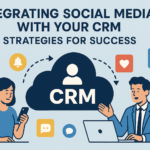



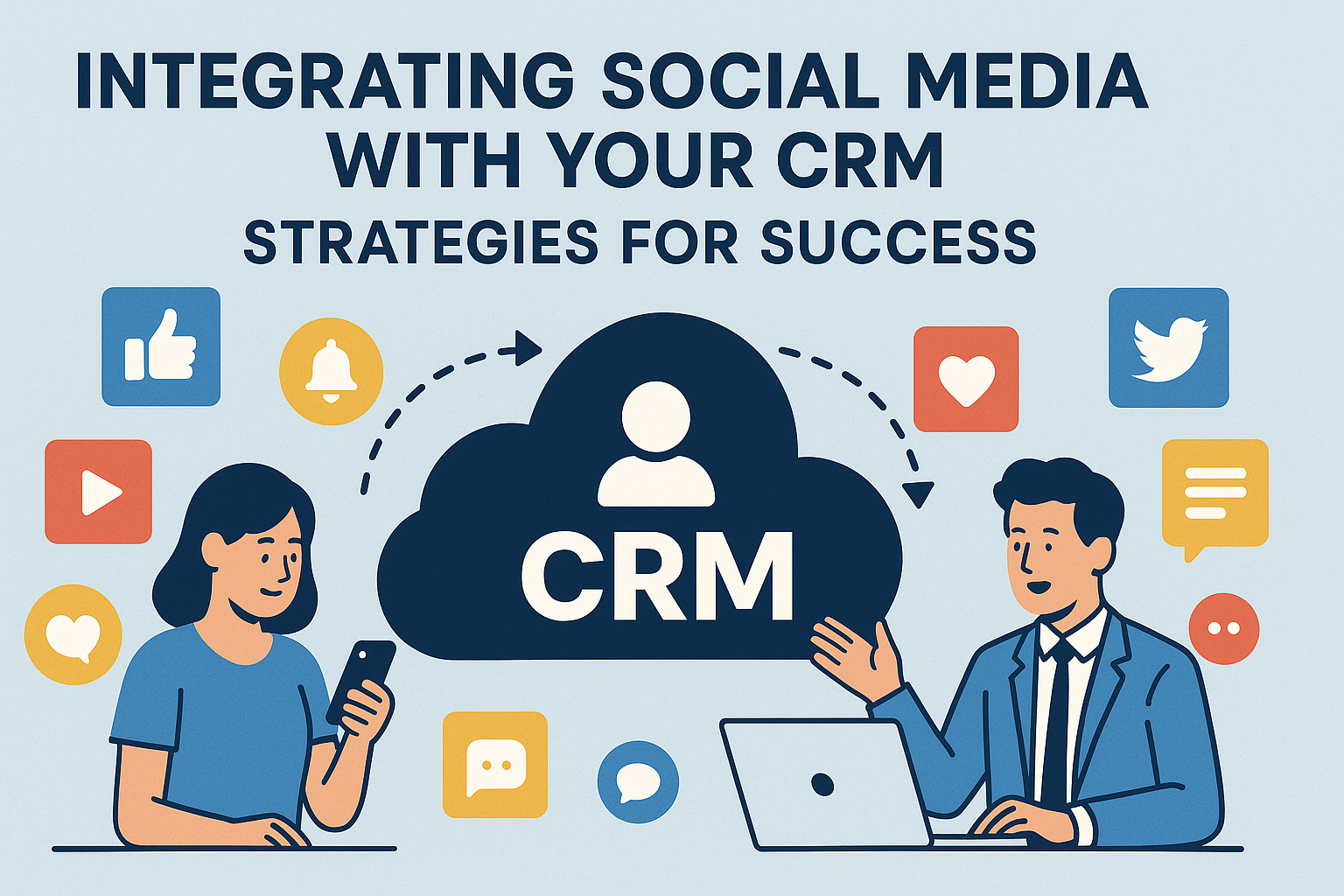
In today’s digital landscape, businesses face an ever-evolving challenge: how to create cohesive communications and build lasting customer relationships across multiple platforms. As social media continues to dominate online interactions, marketers are leveraging these platforms to supplement their customer relationship management (CRM) systems. Integrating social media with your CRM not only streamlines operations but also fortifies customer connections. In this article, we’ll explore effective strategies for successfully integrating social media with your CRM.
Understanding CRM and Social Media Integration
Before diving into strategies, it’s essential to understand what CRM and social media integration entail. CRM systems you use to manage interactions with current and potential customers. They store data, track interactions, and facilitate communication. Social media platforms, on the other hand, are dynamic spaces where customers discuss and interact with brands.
By integrating these two components, businesses can harness social media data to enrich customer profiles, enhance customer service, and create personalized marketing campaigns. This integration leads to better insights, improved customer experiences, and ultimately, higher sales.
Strategies for Successful Integration
1. Define Your Objectives
The first step to a successful integration is clarity around your objectives. Ask yourself:
- What do you want to achieve through this integration?
- Are you looking to improve customer service?
- Are you aiming to gather more insights into customer behavior?
By defining your goals, you can select the right social media tools and CRM systems to fit your needs.
2. Choose the Right CRM Solution
Not all CRM solutions support social media integration. Opt for a CRM that offers native social media connectivity or has third-party applications to help bridge the gap. Salesforce, HubSpot, and Zoho CRM are some examples of platforms that provide robust social media integration capabilities.
3. Collect Relevant Social Media Data
Once your CRM system is in place, start monitoring relevant social media data. This includes tracking:
- Mentions of your brand
- Customer feedback
- Competitor activities
- Engagement metrics
Social media management tools like Hootsuite or Buffer can help in gathering this data, allowing you to funnel it into your CRM.
4. Segment Your Audience
One of the core benefits of CRM systems is the ability to segment your audience effectively. Use the insights gathered from social media to better categorize your audience based on their interactions and behaviors. For instance, customers who frequently engage with your posts might belong to a different segment than those who only comment occasionally.
5. Utilize Automation
Automation can save time and ensure consistency in your messaging. Integrate your CRM with social media automation tools that allow automatic posting, scheduled responses, and alerts based on specific triggers. This could mean setting up alerts for customer queries or automating thank-you messages for users who share your content.
6. Train Your Team
Your employees need to understand the purpose of integrating social media with the CRM. Offer comprehensive training to make sure your sales, marketing, and customer service teams can effectively utilize the integrated tools. Create a feedback loop where employees can share their experiences, thereby continually improving the integration.
7. Enhance Customer Outreach
Leverage the social media data collected in your CRM to personalize outreach. Use customer preferences, past interactions, and behaviors to tailor your messages. Personalized emails based on social media interactions can increase engagement rates significantly, reflecting positively on your business.
8. Monitor and Adjust
Finally, continuous monitoring and adjustments are crucial for ongoing success. Utilize analytics to track how well your social media and CRM integration is working. Look at metrics like customer engagement rates, sales conversions, and customer satisfaction scores. Utilize these insights to refine your approach.
Benefits of Integrating Social Media with CRM
-
Improved Customer Insights: By understanding customer interactions across social media, you can create more accurate customer profiles, leading to better-targeted marketing efforts.
-
Streamlined Communication: Integration helps eliminate silos within your organization, allowing for seamless communication among teams and a unified customer experience.
-
Enhanced Customer Service: With comprehensive data at their disposal, customer service teams can resolve issues more quickly and effectively, enhancing overall satisfaction.
-
Increased Engagement: Personalized outreach made possible through detailed insights from social interactions can lead to improved engagement and loyalty.
Challenges to Overcome
Integrating social media with your CRM is not without its challenges. Common issues include:
-
Data Overload: The sheer volume of data from social media can be overwhelming. Ensure you have filtering capabilities to manage relevant information.
-
Privacy Concerns: Handling customer data comes with ethical considerations. Make sure to comply with data protection regulations like GDPR.
-
Changes in Social Media Algorithms: Social platforms often change their algorithms, which can impact data accessibility and engagement metrics.
FAQs
Q1: What are the essential features to look for in a CRM for social media integration?
A1: Look for features like social listening capabilities, integration with major social media platforms, data analytics, and automation capabilities. A robust reporting tool is also essential for analyzing the success of your integration.
Q2: How can I measure the success of my social media and CRM integration?
A2: Track key performance indicators (KPIs) such as customer satisfaction scores, engagement rates, conversion rates, and the number of resolved customer queries. Use analytics tools to continuously assess and iterate your strategies.
Q3: Is it necessary to have a dedicated team for social media and CRM management?
A3: While not strictly necessary, having a dedicated team can streamline processes and ensure expert handling of both communities. However, cross-functional training can also help in achieving an integrated approach.
Q4: What tools can facilitate social media and CRM integration?
A4: Many CRMs, such as HubSpot and Salesforce, offer built-in tools that facilitate social media integration. External tools like Hootsuite, Buffer, or Zapier can also help automate the process.
Q5: How often should I review my integration strategies?
A5: Regular reviews—ideally quarterly—allow you to adapt your strategies based on analytic insights and changes in social media trends or consumer behavior.
Conclusion
Integrating social media with your CRM can transform the way your business engages with customers, providing deeper insights and improving overall efficiency. By following the strategies outlined above and committing to continuous monitoring and improvement, you can turn this integration into a powerful tool for business growth. The key is to remain adaptable and responsive to both your customers and the ever-changing landscape of digital communication.